Nelko Label Maker P21 Portable Bluetooth Sticker Printer with Tape, White
Nelko Label Maker P21 Portable Bluetooth Sticker Printer with Tape, White
Regular price
£14.22 GBP
Regular price
£14.22 GBP
Sale price
£14.22 GBP
Unit price
per
Couldn't load pickup availability
Work with NELKO Series Devices, Genuine Consumables & Other NELKO Products

14x40mm White Label Tape |

Nelko PP01 Photo Printer |

P21 Label Printer Black |

Nelko PM220 Label Maker |

12x40mm Purple/Rose/Pink |

14x40mm green 3 roll |

14x40mm white 3 roll |
|
|---|---|---|---|---|---|---|---|
|
Customer Reviews
|
6,016
|
448
|
127
|
2,777
|
2,464
|
2,466
|
2,466
|
|
Price
|
£8.06 | £62.99 | £22.79 | £25.49 | £16.99 | £19.99 | £16.99 |
|
Pack
|
180 Labels | 1 Printer&20 Sheets&1Cartridge | 1 Printer & 3 Tapes | 1 Printer & 1 Tapes | 180 Labels/3rolls | 180 Labels/3rolls | 180 Labels/3rolls |
|
Color
|
White | White | Black | White | Purple/Rose/Pink | green | white |
|
Size
|
14mm x 40mm | 207.7x139.2x67.2mm | 76.5mm x 130.6mm | 5.27"D x 3.15"W x 4.05"H | 12mm x 40mm | 14mm x 40mm | 14mm x 40mm |
|
Compatible Printer
|
NELKO P21 Label Maker | NELKO PP01 Photo Printer | ✓ | Phone/Windows/Mac OS | NELKO P21 Label Maker | NELKO P21 Label Maker | NELKO P21 Label Maker |
|
Advantage
|
Clear Printing, Widely Usage | Clear Printing, Widely Usage | Clear Printing, Widely Usage | Can print 23-54mm Label Tape | Clear Printing, Widely Usage | Clear Printing, Widely Usage | Clear Printing, Widely Usage |
|
High Quality
|
✓ | ✓ | ✓ | ✓ | ✓ | ✓ | ✓ |



New Version NELKO P21 Mini Portable Bluetooth Label Makers


Warm Tips:
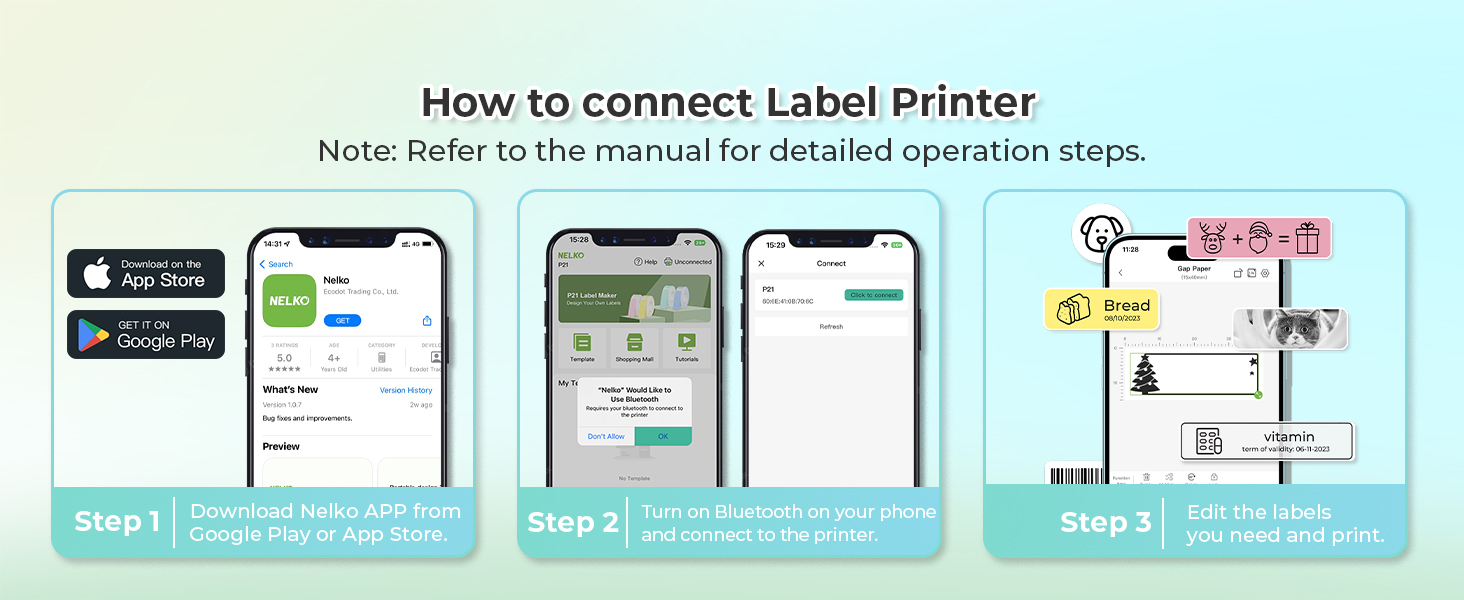
Download the App "Nelko" from the Apple Store/Google Play, and meets with applicable data compliance laws.
Connect the Bluetooth via the "Nelko" App, not on the phone system.
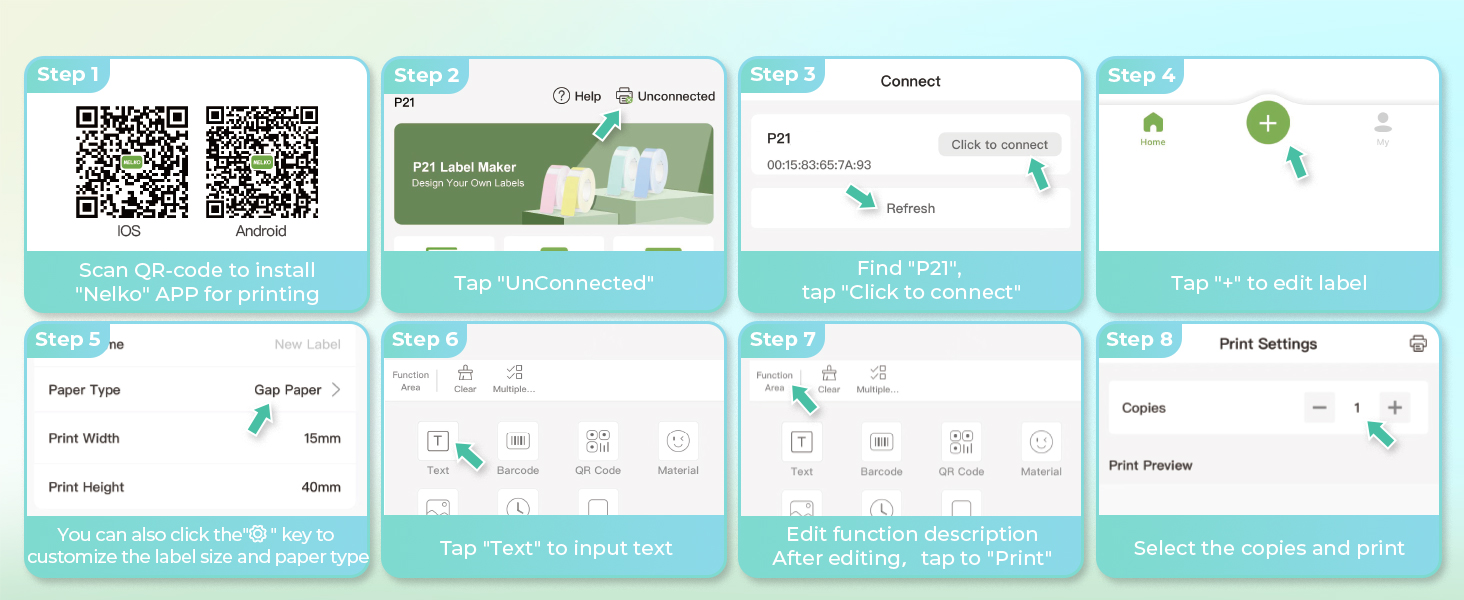
Before printing, please select the appropriate size for the printing paper on the "Nelko" App.
- 2026 New Version: Compared with traditional label makers, Nelko P21 label maker has half the weight and size, making it smaller, smarter, and ultra-portable. The wireless Bluetooth label maker can slip into your pocket, allowing you to print anytime, anywhere. For great printing results, we recommend using our NELKO thermal label paper. Important Note for iOS Users: Please make sure you have updated your Nelko P21 app to the latest version (V4.8.0) for a great experience
- High-quality Printing: The P21 label maker features BPA-Free Direct Thermal Technology. Equipped with high-speed chips and 203 DPI, the P21 label maker delivers high-definition printing without ink or toner. The label maker comes with a long-lasting built-in rechargeable battery for extended use. This label maker prints in monochrome (black text only), and you can create color labels by using color pattern label tapes. Note: Charging adapter not included
- Easy to Use: NELKO label printer connects with iOS & Android phones via Bluetooth. Step 1: Download "Nelko" app from Google Play or App Store. Step 2: Install paper roll. Step 3: Connect P21 via Bluetooth in the APP. Step 4: Choose a quick template and print. It is not compatible with Google phones running Android 14. This label maker's APP includes 3600+ icons, 700+ borders, 5500+ materials, 750+ templates, 29 languages. Note: This label maker doesn't work with computers
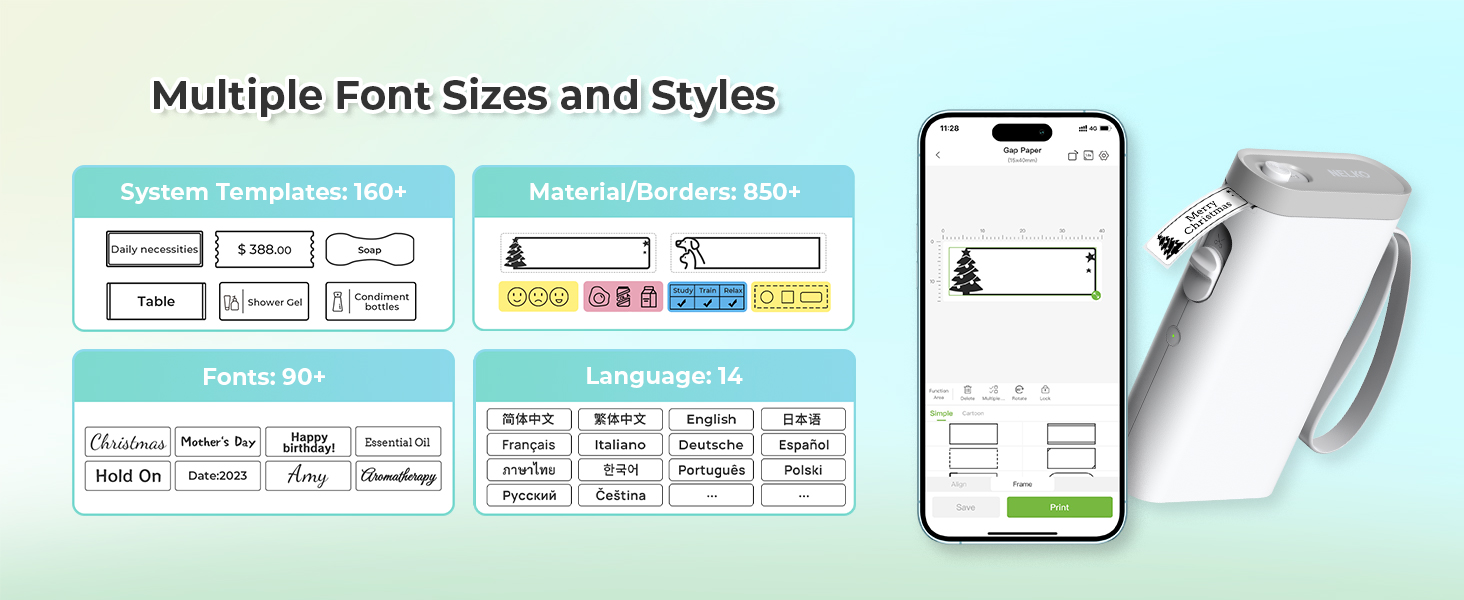
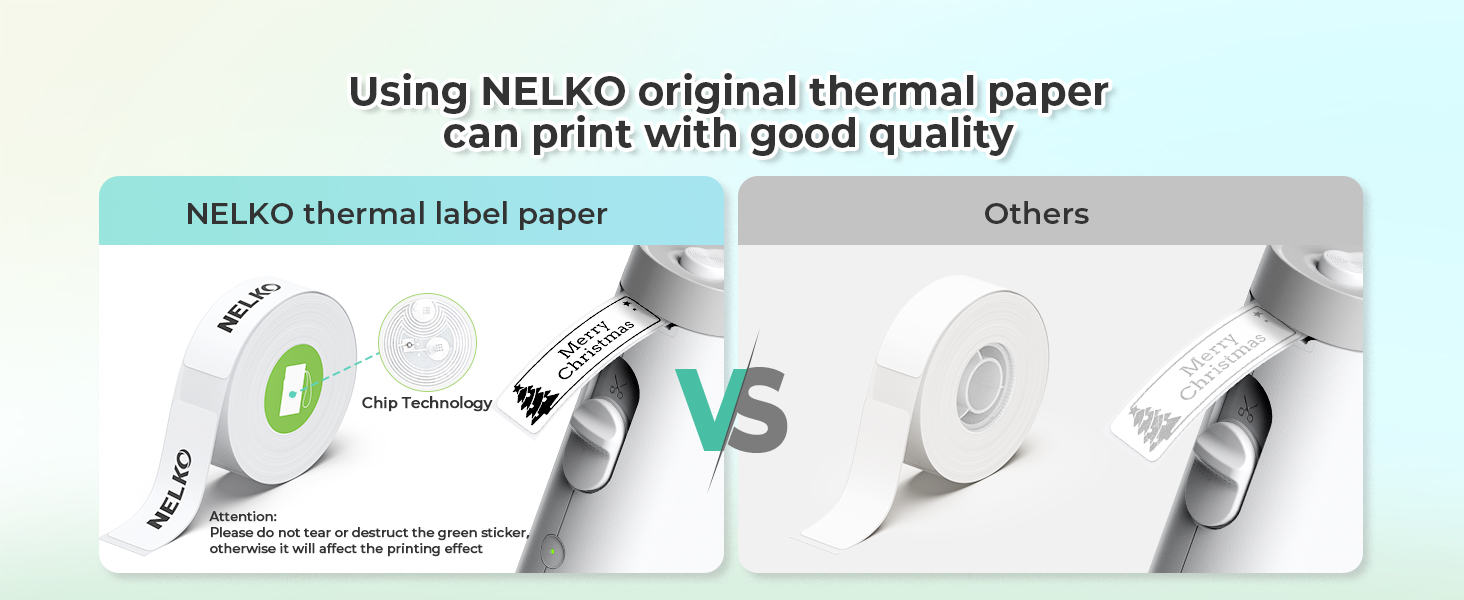
- Multiple Creative Functions&Templates: This app for the label maker provides various features and templates, making it easy to create various designed label stickers in the App with text, QR code, barcode, materials, images, time and borders, etc. The length of labels is fixed, including 14×40mm, 14×50mm, 14×75mm, and more. Please do not tear or damage the green sticker on the back of the label strip, otherwise it will affect the printing effect. (Note: Continuous label tapes are not supported.)
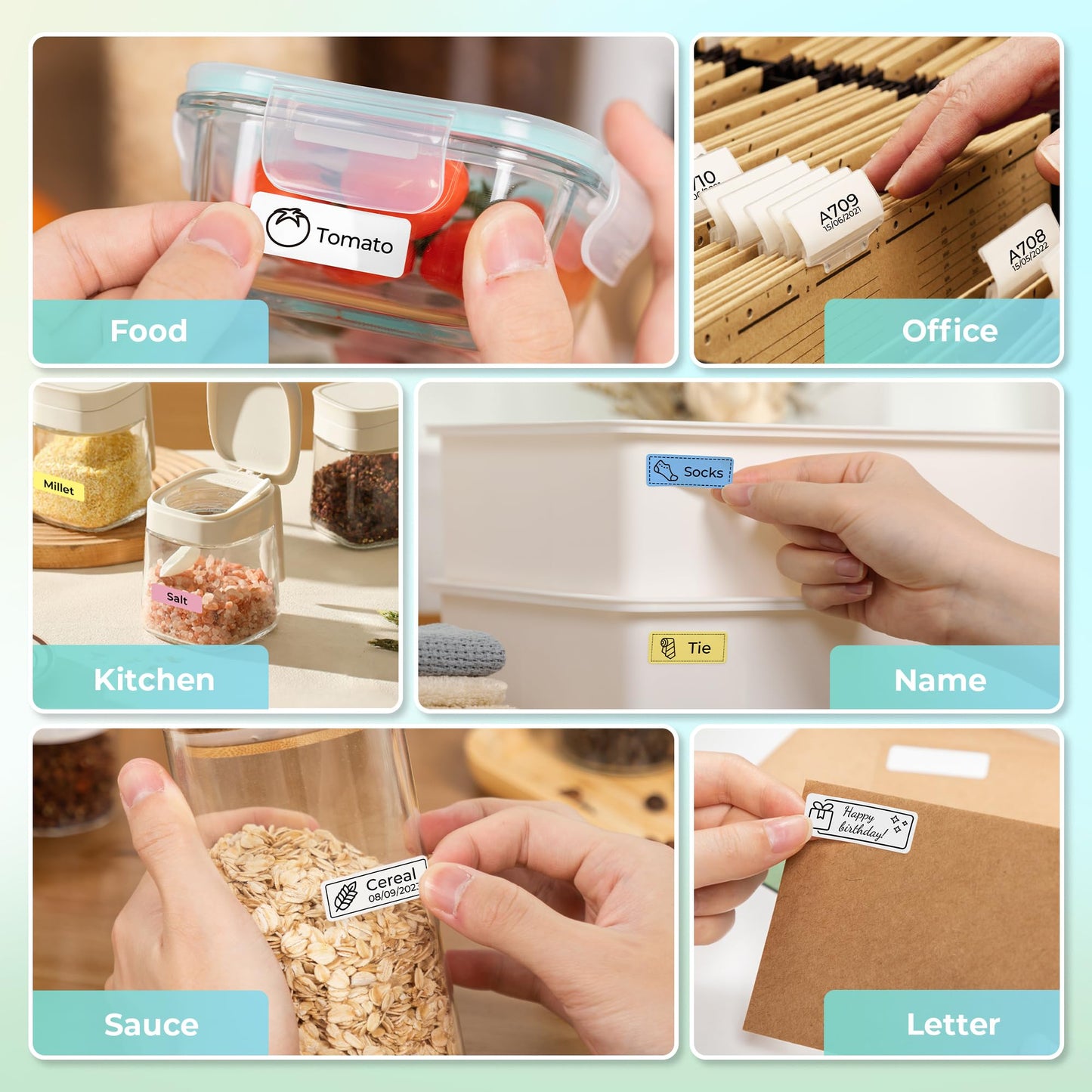
- Design Your Own Labels: This label maker machine with tape is widely used at home, in the office, and at school. At home, it helps organize clothes, food storage, cosmetics, and mailings. In the office, it is ideal for notebook tags, price tags, reminder labels, and other office supplies. At school, it supports teachers and students with name tags, item identification, and classroom organization. You can also use it to create unique Christmas surprises
| Brand | Nelko |
| Connectivity technology | Bluetooth |
| Printing technology | Thermal |
| Special feature | Portable, Clear Printing, Easy to Use, Rechargeable, Wireless, Inkless |
| Colour | BLACK |
| Model name | P21 |
| Printer output | Monochrome |
| Max print speed monochrome | 30 |
| Item weight | 327 g |
| Product dimensions | 16.9D x 11.4W x 4.8H centimetres |